Edit a PDF Resume Without Word
Learn to edit a PDF resume step by step without converting it to Word. Format PDF offers a free online tool that is quick and easy to use.
Edit a PDF Resume Without Word
If you are preparing to apply for a particular job, you know that your resume, or CV, is an essential part of the process. That is especially true now that applications are submitted online, making it important to know how to edit a resume in PDF.
It is normal for your resume to change over time, whether because you take a new course or have information to add that complements your education or work experience.
There are many situations in which you may need to edit a PDF resume. You might need to correct a detail, or simply want to add new experience to your CV in PDF format.
The good news is that you can edit a PDF resume without converting it to another format such as Word. This is possible thanks to a useful tool for editing PDF online.
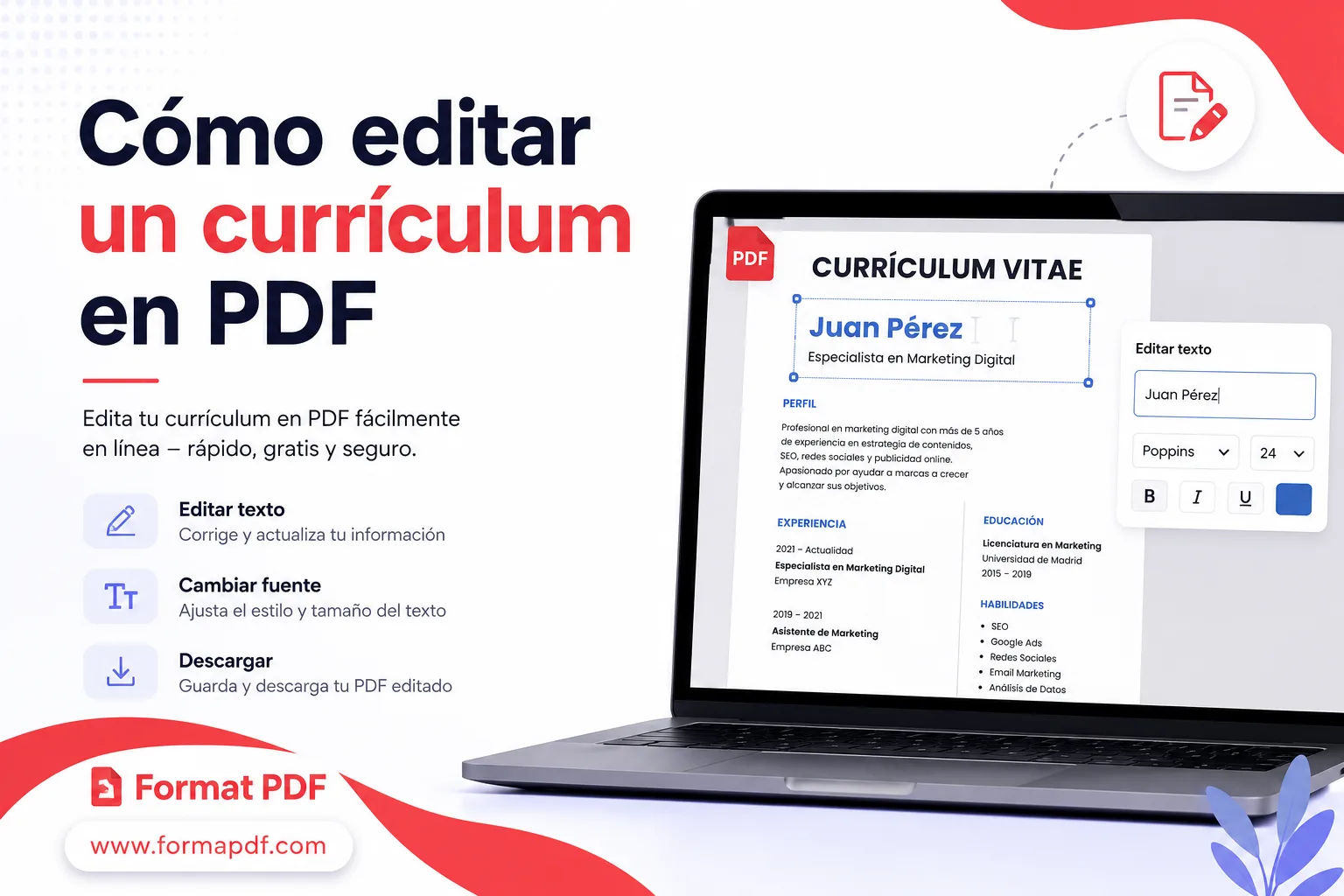
How to Edit a PDF Resume Step by Step
Since you do not need to convert the PDF to Word to modify it, using a PDF editing tool saves time and makes the process much more practical.
Among the different options available online, Format PDF includes this tool to help you edit your resume as quickly as possible. Follow these steps:
- Open the Format PDF editor.
- Select the PDF file. Click the "Select PDF file" button or drag it to the dashed area.
- A new page will appear with a menu where you can choose which tools to use to edit your CV.
- After making the changes you want, click "Download".
- A dialog will open so you can choose the folder on your computer where you want to save the newly edited CV.
Need more tools for your resume? With Format PDF, you can convert your CV from Word to PDF, sign it digitally, or even compress it before sending it, all free and without installing anything.
What to Consider When Editing a PDF Resume
As with any task involving a file, there are certain things to consider to get the best editing result:
- When the new screen with the tools menu opens, you can add new text, include images, select and highlight part of the text, and more.
- The advantage of editing directly in PDF is that you save time. Otherwise, you would need to convert it to Word first to change it in a word processor, then convert it back with the Word to PDF tool.
In job interviews and at the places where you apply, you will generally be asked to send your resume as a PDF. It therefore makes sense not to change its format, or you will have to do the work twice.
Editing your resume with the PDF editor will not leave any visible mark. No one will notice that you made the change, because when you save the file it is saved as a new document.
You can also remove elements while editing your resume. Place a white rectangle over the text or element you want to cover. If you need something more precise, you can also use the tool for replacing text in a PDF.
If you have a PDF form to fill in, uploading it for editing is a good option. You can write whatever you need in the document and complete it. Afterward, simply download it and send it by email or wherever you wish. If you ever need to convert that same resume back to Word to share it with a recruiter, you can do so with the PDF to Word tool.

Qasir Mehmood
CEO / Co-Founder
PDF Format helps users handle their documents with confidence. From converting files to editing, merging, splitting, compressing, and securing PDFs, our online tools are designed for speed, quality, and convenience. Founded by Qasir Mehmood, CEO, we continue to build solutions that save time and improve productivity.